 Screenshot 1 of 5
HUD
Deadlock Threat Icons
Author: ihkuwn
- Downloads
- 0
- Likes
- 0
- Updated
- October 25, 2026
Install with Mod Manager
GameBanana pageOpens Deadlock Mod Manager: it downloads the file from GameBanana and enables the mod.
No app yet? Download Deadlock Mod Manager
Description
From the author, in the original language.
AI disclosure: the code of this mod was written with AI assistance, specifically Claude by Anthropic. It has no AI-generated images, audio or other assets, every image and texture is Deadlock's own.
Deadlock Threat Icons puts an indicator next to each enemy hero health bar and top bar portrait.
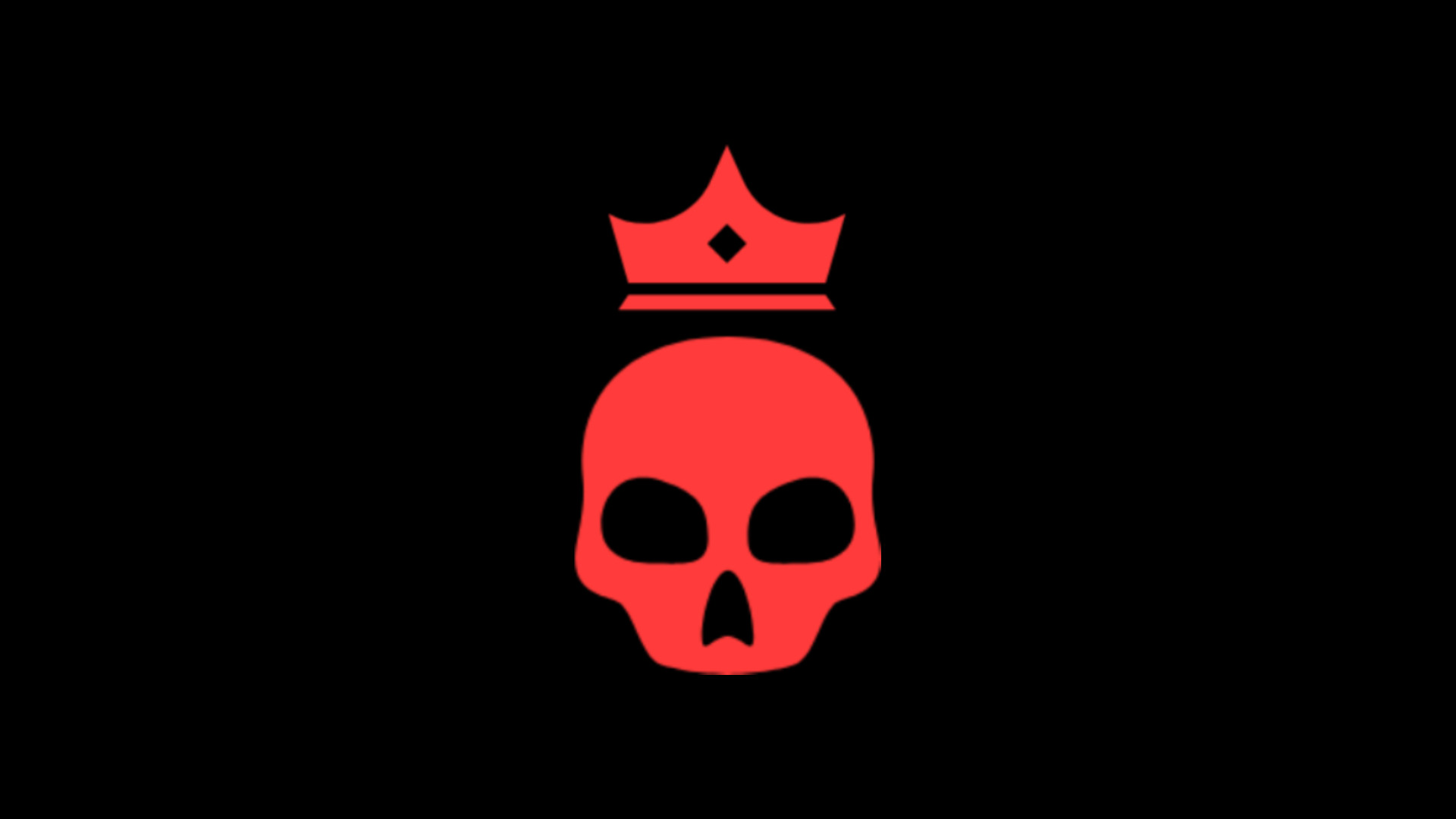
• Two red arrows up (or a red skull with a crown) - the enemy is far ahead of you.
• One orange arrow up (or an orange skull) - the enemy is somewhat ahead.
• One green arrow down - you are well ahead of them.
• No icon: you are about even.
The mod compares souls by default, can be changed to levels via setting menu. All of threat brackets thresholds can be changed in settings menu.
Accessing settings: press Escape and click THREAT ICONS. The General tab has the icon style (arrows or skulls), icon size, a number next to the icon, top bar icons, which colors to show, and whether to compare souls or levels, with you or with your team's average. The thresholds tab sets how far ahead counts for each color. Changes apply at once and are kept between game launches.
Compatibility: works with skins, sound mods and QOL Lock. It cannot work together with other mods that replace the overhead health bars or base_hud.
Feedback and bug reports are welcome in the comments.
Deadlock Threat Icons puts an indicator next to each enemy hero health bar and top bar portrait.
• Two red arrows up (or a red skull with a crown) - the enemy is far ahead of you.
• One orange arrow up (or an orange skull) - the enemy is somewhat ahead.
• One green arrow down - you are well ahead of them.
• No icon: you are about even.
The mod compares souls by default, can be changed to levels via setting menu. All of threat brackets thresholds can be changed in settings menu.
Accessing settings: press Escape and click THREAT ICONS. The General tab has the icon style (arrows or skulls), icon size, a number next to the icon, top bar icons, which colors to show, and whether to compare souls or levels, with you or with your team's average. The thresholds tab sets how far ahead counts for each color. Changes apply at once and are kept between game launches.
Compatibility: works with skins, sound mods and QOL Lock. It cannot work together with other mods that replace the overhead health bars or base_hud.
Feedback and bug reports are welcome in the comments.
Similar mods
HUD
Health Color
HUD
MapList
The mod is its author's work; files and previews live on GameBanana, catalog data comes from Deadlock Mod Manager. If you are the author and want it removed, message us. Contacts
New skin - now the rank
The free tracker shows which heroes cost you points. Don't want to spend the season grinding? Price a boost.