 Кадр 1 из 5
Интерфейс
Deadlock Threat Icons
Автор: ihkuwn
- Загрузки
- 0
- Лайки
- 0
- Обновлён
- 25 октября 2026
Установить через Mod Manager
Страница на GameBananaОткроет Deadlock Mod Manager: он скачает файл с GameBanana и включит мод.
Нет приложения? Скачать Deadlock Mod Manager
Описание
От автора, на языке оригинала.
AI disclosure: the code of this mod was written with AI assistance, specifically Claude by Anthropic. It has no AI-generated images, audio or other assets, every image and texture is Deadlock's own.
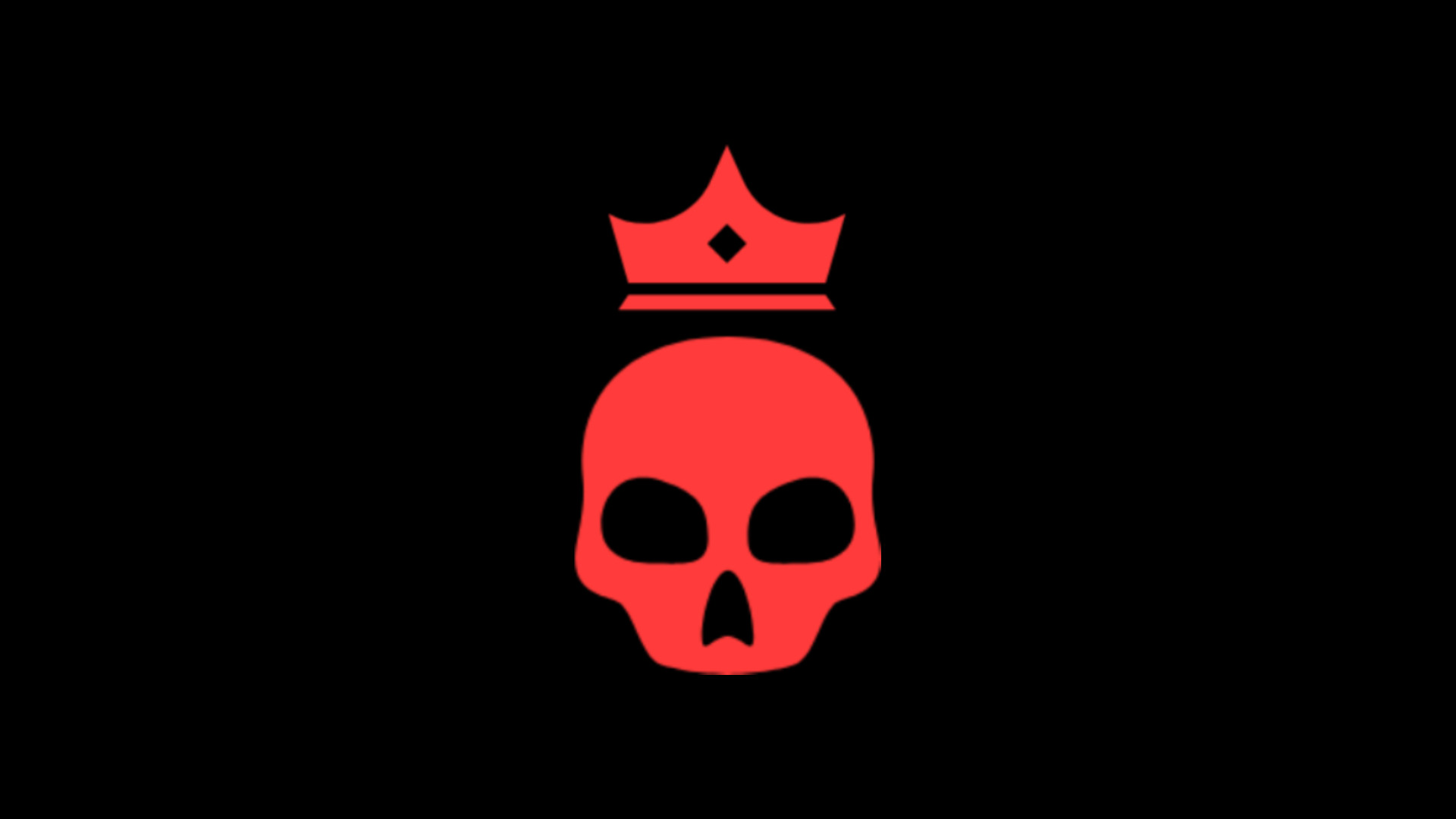
Deadlock Threat Icons puts an indicator next to each enemy hero health bar and top bar portrait.
• Two red arrows up (or a red skull with a crown) - the enemy is far ahead of you.
• One orange arrow up (or an orange skull) - the enemy is somewhat ahead.
• One green arrow down - you are well ahead of them.
• No icon: you are about even.
The mod compares souls by default, can be changed to levels via setting menu. All of threat brackets thresholds can be changed in settings menu.
Accessing settings: press Escape and click THREAT ICONS. The General tab has the icon style (arrows or skulls), icon size, a number next to the icon, top bar icons, which colors to show, and whether to compare souls or levels, with you or with your team's average. The thresholds tab sets how far ahead counts for each color. Changes apply at once and are kept between game launches.
Compatibility: works with skins, sound mods and QOL Lock. It cannot work together with other mods that replace the overhead health bars or base_hud.
Feedback and bug reports are welcome in the comments.
Deadlock Threat Icons puts an indicator next to each enemy hero health bar and top bar portrait.
• Two red arrows up (or a red skull with a crown) - the enemy is far ahead of you.
• One orange arrow up (or an orange skull) - the enemy is somewhat ahead.
• One green arrow down - you are well ahead of them.
• No icon: you are about even.
The mod compares souls by default, can be changed to levels via setting menu. All of threat brackets thresholds can be changed in settings menu.
Accessing settings: press Escape and click THREAT ICONS. The General tab has the icon style (arrows or skulls), icon size, a number next to the icon, top bar icons, which colors to show, and whether to compare souls or levels, with you or with your team's average. The thresholds tab sets how far ahead counts for each color. Changes apply at once and are kept between game launches.
Compatibility: works with skins, sound mods and QOL Lock. It cannot work together with other mods that replace the overhead health bars or base_hud.
Feedback and bug reports are welcome in the comments.
Похожие моды
Интерфейс
DEADLOCK TOASTED
Интерфейс
Catlock: Kitty Hero Portraits
Интерфейс
Health Color
Интерфейс
Jumpscare Mod
Интерфейс
Mid and Bridge Buff Timer
Интерфейс
FG Healthbar Revamp
Интерфейс
MapList
Мод — работа автора, файлы и превью лежат на GameBanana, данные каталога — Deadlock Mod Manager. Автор хочет убрать мод отсюда — напиши нам, уберём. Контакты
Скин поменял — теперь ранг
Трекер бесплатно покажет, на каких героях ты теряешь очки. Не хочешь тратить сезон — посчитай буст.