Skins · hand-picked
Deadlock skins
A curated showcase: only works in the Deadlock style, most of them lore-friendly - no jokes or memes. Every skin comes with screenshots, its author and a one-click install.
130 skins for 35 heroes
Install hands the skin straight to Deadlock Mod Manager - free and open source. Not installed yet? Get Mod Manager
Featured
Skins we would install ourselves.
By hero
Every skin on the site is hand-picked: they fit the Deadlock style and most of them are lore-friendly - the game does not turn into a mishmash of random stuff. Each one installs in one click with Mod Manager.
 Abrams6 skins
 Apollo2 skins
 Bebop1 skin
 Billy1 skin
 Calico1 skin
 Celeste6 skins
 Doorman6 skins
 Drifter6 skins
 Dynamo1 skin
 Graves9 skins
 Grey Talon4 skins
 Haze2 skins
 Holliday5 skins
 Infernus3 skins
 Ivy3 skins
 Lady Geist4 skins
 Lash4 skins
 McGinnis2 skins
 Mina8 skins
 Mirage3 skins
 Mo & Krill1 skin
 Paige14 skins
 Paradox3 skins
 Pocket6 skins
 Rem4 skins
 Seven1 skin
 Shiv4 skins
 Silver4 skins
 Sinclair2 skins
 Victor2 skins
 Vindicta2 skins
 Vyper1 skin
 Warden1 skin
 Wraith6 skins
 Yamato2 skins
- [Fixed!] Mo and Krill dapper skin (DL nightshift)
Ahzealion♥ 120 likes on GameBanana
- Kaladin Stormblessed Pocket (Old Gods New Blood)
jaidenpoopy♥ 15 likes on GameBanana
Catalog · Deadlock Mod Manager
Popular skins
The most downloaded of 3,345 skins in the Deadlock Mod Manager catalog.
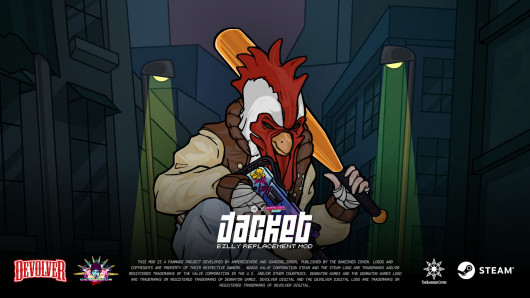
Skins · Billy
Jacket (Billy Overhaul)
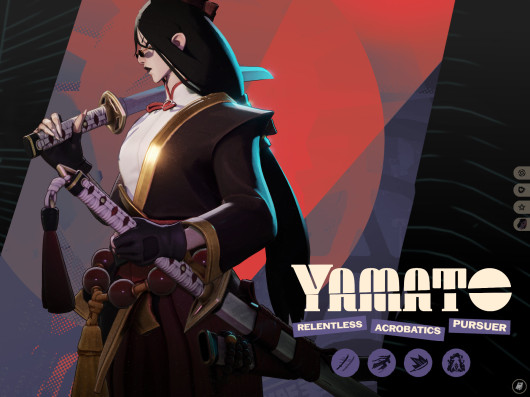
Skins · Yamato
Yamato redesign (NEW ICONS and COLORS!)
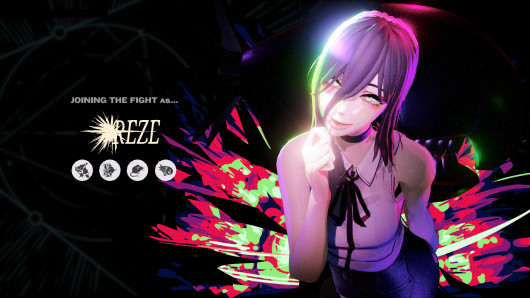
Skins · Calico
Reze over Calico
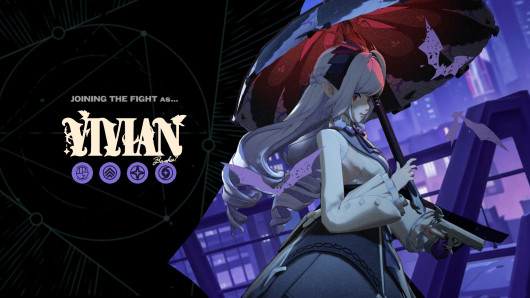
Skins · Mina
Vivian Banshee Mod (Mina)
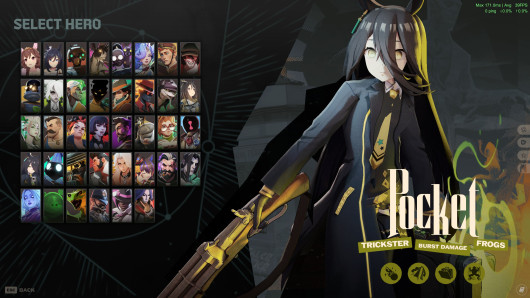
Skins · Pocket
Manhattan Cafe as Pocket (4 Variants)
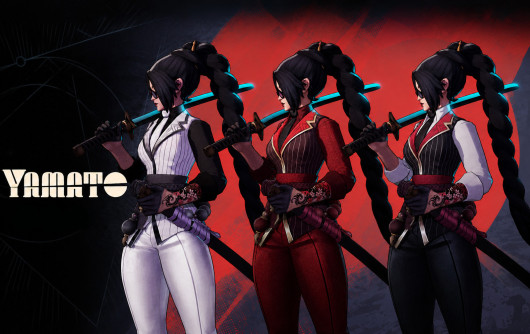
Skins · Yamato
Yamato remodel
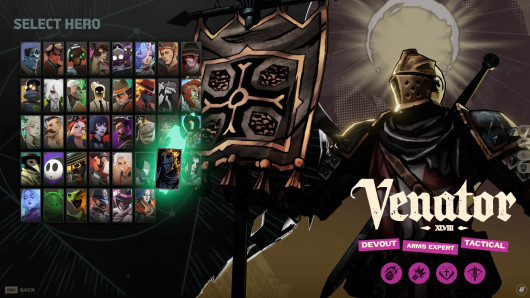
Skins · Venator
Crusader DD2 Mod Updated
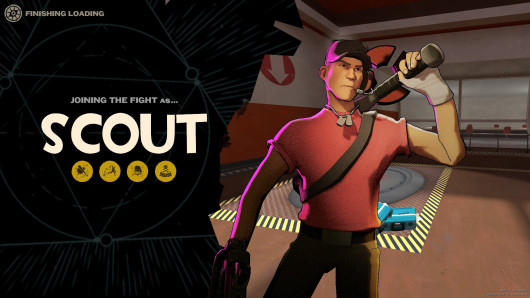
Skins · Billy
Scout as Billy [FIX CNS]
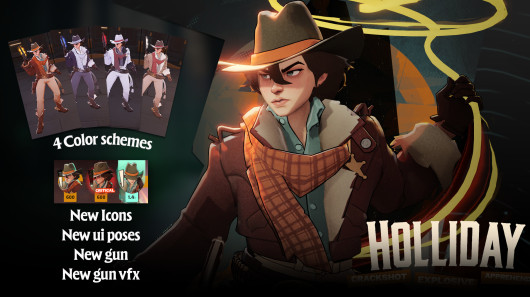
Skins · Holliday
Holliday Remodel
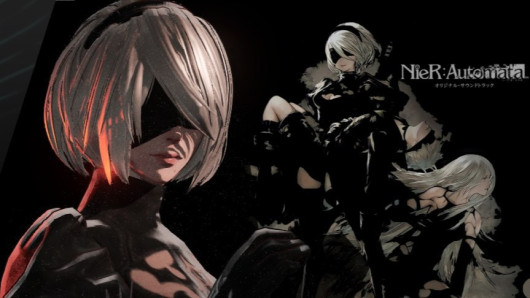
Skins · Yamato
2B | Yamato Skin
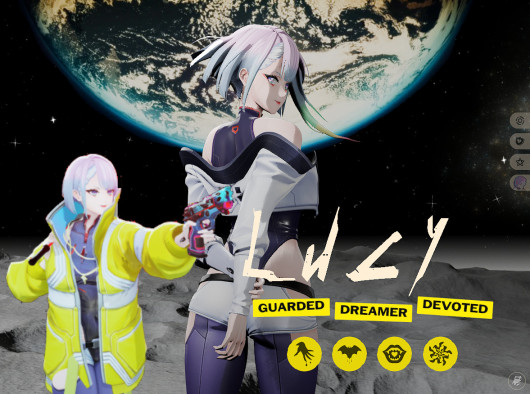
Skins · Mina
Lucy as Mina |Violet's Update|
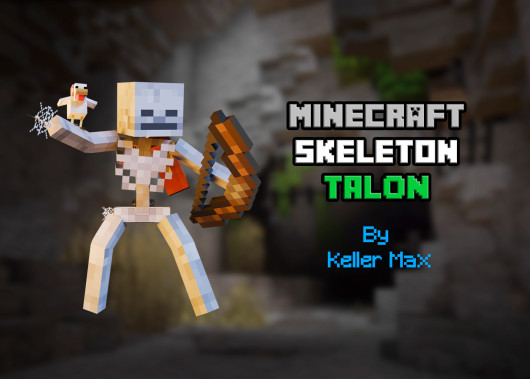
Skins · Grey Talon
Minecraft Skeleton Talon
How to install a Deadlock mod
Five minutes and a text editor. Or a mod manager that does it all for you.
Option 1 · mod manager
Easiest: a mod manager
Deadlock Mod Manager is free and open source: it edits the game files, then installs, toggles and updates mods from GameBanana. The “Install with Mod Manager” button on every mod page hands the mod straight to the app.
Deadlock Mod Manager websiteOption 2 · by hand, five minutes
Manually
- Open the game folder: Steam → Deadlock → right-click → Manage → Browse local files. Then go to
game\citadel. - Create an
addonsfolder inside citadel if it is not there yet. - Open
game\citadel\gameinfo.giin a text editor, find the SearchPaths block and addGame citadel/addonsas the first line inside it. Save. - Download the mod from GameBanana and unzip it. Rename the
.vpkfile topak01_dir.vpk(the next mod ispak02_dir.vpkand so on) and put it inaddons. - Restart the game. If two mods change the same hero, the one with the lower number wins.
Mods gone after a game update? The patch may have overwritten gameinfo.gi - add the Game citadel/addons line again. To remove a mod, delete its file from addons.
Can mods get you banned
Valve has no official rules on mods. Skins and HUD changes are visible only to you and there have been no ban waves for them, but Valve gives no guarantees - install at your own risk. Skip mods that give an in-game advantage.
Skin questions
- Where do I download Deadlock skins?
- On GameBanana, the main Deadlock modding site. The Install button hands a skin to Deadlock Mod Manager, the link on the card goes to the author's page; we do not host files.
- Can other players see my skin?
- No. A skin mod changes the model only in your game, everyone else sees the default hero.
- How do I install a skin?
- In one click - the Install button through Deadlock Mod Manager. By hand - like any mod: an addons folder, the Game citadel/addons line in gameinfo.gi and a pak01_dir.vpk file; step by step in the guide on this page.
Mods, previews and files live on GameBanana and belong to their authors. We show hand-picked skins and the Deadlock Mod Manager catalog without NSFW and link to the author's page. If you made a mod and want it off this page, message us and we will remove it. Contacts
New skin - now the rank
The free tracker shows which heroes cost you points. Don't want to spend the season grinding? Price a boost.