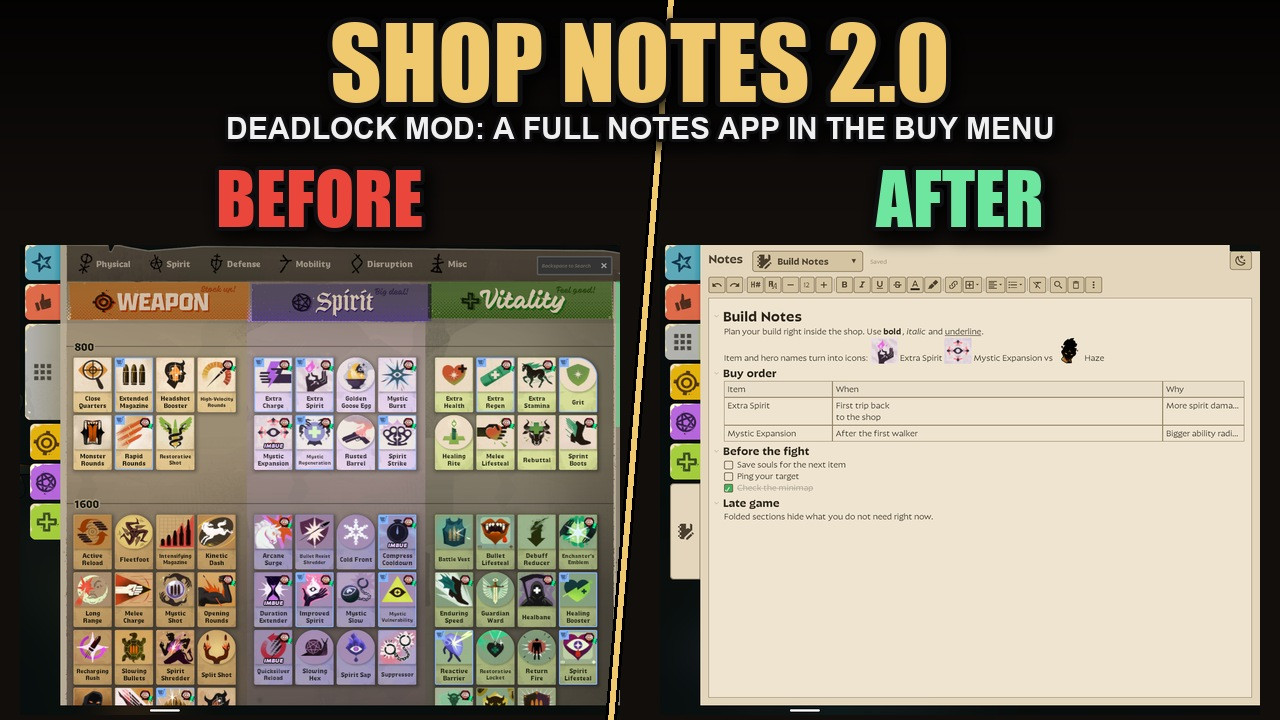
 Screenshot 1 of 11
Quality of life
Shop Notes
Author: Mixboat
- Downloads
- 607
- Likes
- 6
- Updated
- 20 жовтня 2026
Install with Mod Manager
GameBanana pageOpens Deadlock Mod Manager: it downloads the file from GameBanana and enables the mod.
No app yet? Download Deadlock Mod Manager
Description
From the author, in the original language.
AI DISCLAIMER: this mod was made with AI assistance
Adds a Notes tab to the shop (buy menu): a full note editor right where you buy items. Counter items per hero, build orders, matchup reminders, anything you keep forgetting mid-match.Version 2.0 is a full overhaul. The original plain-text notepad is still available as Shop Notes Legacy (second download).
What you get
- Rich text: headings, bold, italic, underline, strikethrough, text colors, highlighter, font sizes, bulleted / numbered lists, checklists, quotes, dividers, alignment.
- Icons: type an item, hero or objective name and press Tab to turn it into its icon. Hover an item icon to see the game's item card.
- Tables with resizable columns and line breaks inside cells.
- Pages: make a page per topic; name one after a hero and it gets their portrait. Search all notes, pin pages.
- Templates: save a note as a template and reuse it, or share it with friends as a short code.
- Fold sections under a heading, find, undo / redo, keyboard shortcuts (Ctrl+/ shows them all).
- Screenshots in your notes (Win+Shift+S or copy an image, then Insert > Screenshot).
- Light and dark mode.
- Safe: saves as you type, daily snapshots kept 14 days, "Back up all notes" to the clipboard and restore.
- A Tutorial page explains everything the first time you open it.
- Your notes stay on your PC, separately per Steam account. Nothing is uploaded or shared.
Upgrading from 1.x
Your old notes are still there: 2.0 uses the same storage. Turn Shop Notes Legacy off when you use 2.0 (only one of them can show the Notes tab).Patch-resistant
No HUD layout is replaced. The mod adds one script line to a tiny stock layout and builds the Notes tab while the game runs. If Valve renames the shop's panels, backups find them; if even that fails, the tab simply does not appear. It cannot crash the game. A watcher checks every Deadlock update against the files the mod depends on. If something looks off after a patch, report it in the Issues tab.Needs
The game's built-in browser (the same one the Steam overlay uses) and an internet connection when the game starts: notes are stored by a small page (source) loaded into the game's own browser storage. That page has no server side; it only keeps your notes on your PC.Install
- Grimoire or Deadlock Mod Manager: install and enable it. Or:
- Download the zip and extract Shop Notes 2.0.vpk.
- Rename it to a free slot, e.g. pak13_dir.vpk (any pakNN number nothing else uses).
- Put it in Steam/steamapps/common/Deadlock/game/citadel/addons.
- Launch the game, open the shop and click the notepad tab at the bottom of the category tabs.
Icons from Material Design Icons (Pictogrammers free license).
Similar mods
Quality of life
QOL Lock [INSTANT SAVE/LOAD UPDATE]
Quality of life
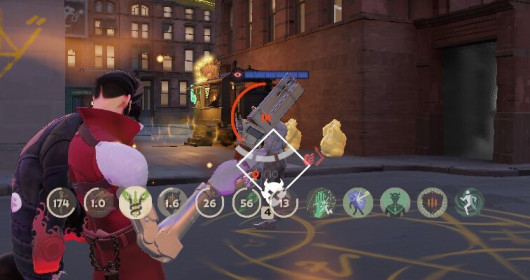
Always Show Passive Items and Actives Icons
Quality of life
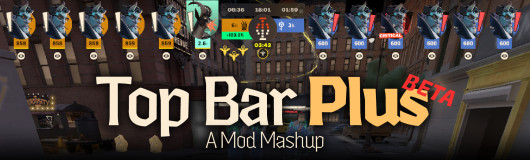
[UPDATED] Top Bar Plus
Quality of life
Numeric Health v2 | Now with Single Bar options
Quality of life
dacooderr's QoL Lite (CNS Ready!)
Quality of life · Nurse Harrow
OptiLock FPS Configs (Nurse Harrow Fix!)
Quality of life
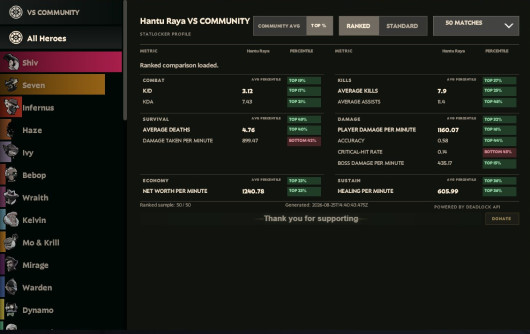
See Ranks, Stats and See Account ID
Quality of life
Show Rank / Lane missing warning
The mod is its author's work; files and previews live on GameBanana, catalog data comes from Deadlock Mod Manager. If you are the author and want it removed, message us. Contacts
New skin - now the rank
The free tracker shows which heroes cost you points. Don't want to spend the season grinding? Price a boost.