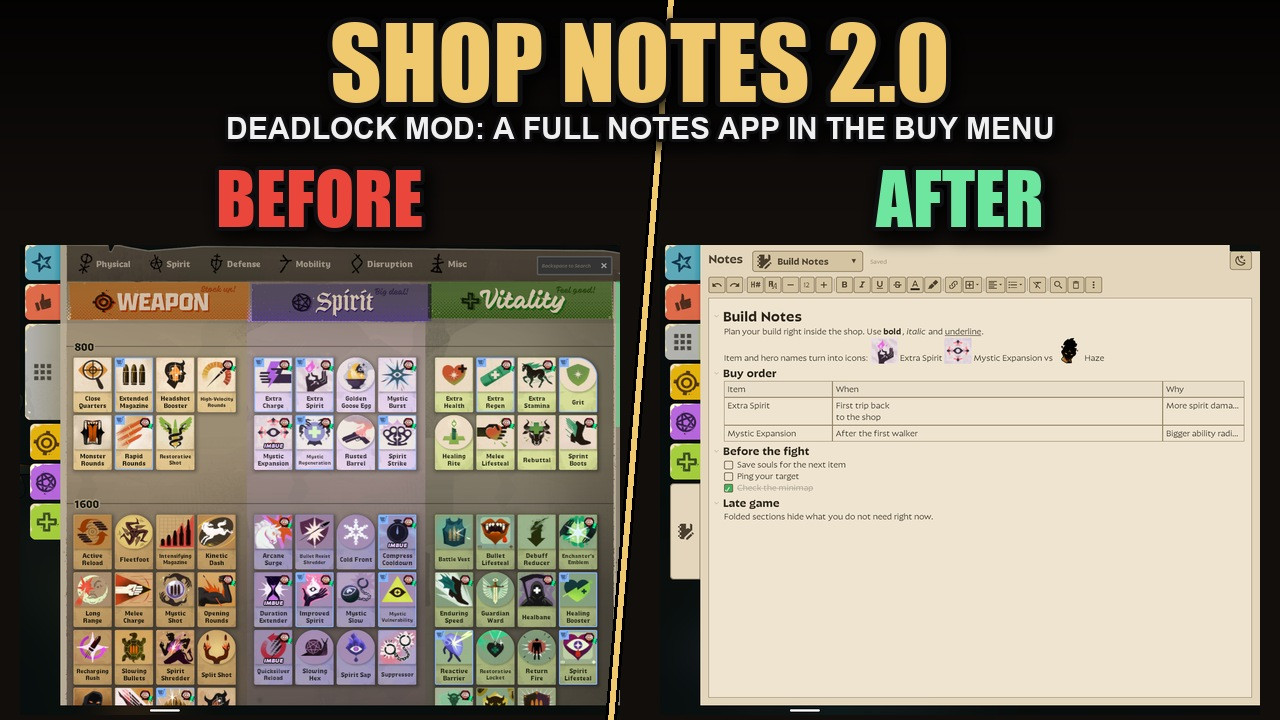
 Кадр 1 из 11
Удобство
Shop Notes
Автор: Mixboat
- Загрузки
- 607
- Лайки
- 6
- Обновлён
- 20 октября 2026
Установить через Mod Manager
Страница на GameBananaОткроет Deadlock Mod Manager: он скачает файл с GameBanana и включит мод.
Нет приложения? Скачать Deadlock Mod Manager
Описание
От автора, на языке оригинала.
AI DISCLAIMER: this mod was made with AI assistance
Adds a Notes tab to the shop (buy menu): a full note editor right where you buy items. Counter items per hero, build orders, matchup reminders, anything you keep forgetting mid-match.Version 2.0 is a full overhaul. The original plain-text notepad is still available as Shop Notes Legacy (second download).
What you get
- Rich text: headings, bold, italic, underline, strikethrough, text colors, highlighter, font sizes, bulleted / numbered lists, checklists, quotes, dividers, alignment.
- Icons: type an item, hero or objective name and press Tab to turn it into its icon. Hover an item icon to see the game's item card.
- Tables with resizable columns and line breaks inside cells.
- Pages: make a page per topic; name one after a hero and it gets their portrait. Search all notes, pin pages.
- Templates: save a note as a template and reuse it, or share it with friends as a short code.
- Fold sections under a heading, find, undo / redo, keyboard shortcuts (Ctrl+/ shows them all).
- Screenshots in your notes (Win+Shift+S or copy an image, then Insert > Screenshot).
- Light and dark mode.
- Safe: saves as you type, daily snapshots kept 14 days, "Back up all notes" to the clipboard and restore.
- A Tutorial page explains everything the first time you open it.
- Your notes stay on your PC, separately per Steam account. Nothing is uploaded or shared.
Upgrading from 1.x
Your old notes are still there: 2.0 uses the same storage. Turn Shop Notes Legacy off when you use 2.0 (only one of them can show the Notes tab).Patch-resistant
No HUD layout is replaced. The mod adds one script line to a tiny stock layout and builds the Notes tab while the game runs. If Valve renames the shop's panels, backups find them; if even that fails, the tab simply does not appear. It cannot crash the game. A watcher checks every Deadlock update against the files the mod depends on. If something looks off after a patch, report it in the Issues tab.Needs
The game's built-in browser (the same one the Steam overlay uses) and an internet connection when the game starts: notes are stored by a small page (source) loaded into the game's own browser storage. That page has no server side; it only keeps your notes on your PC.Install
- Grimoire or Deadlock Mod Manager: install and enable it. Or:
- Download the zip and extract Shop Notes 2.0.vpk.
- Rename it to a free slot, e.g. pak13_dir.vpk (any pakNN number nothing else uses).
- Put it in Steam/steamapps/common/Deadlock/game/citadel/addons.
- Launch the game, open the shop and click the notepad tab at the bottom of the category tabs.
Icons from Material Design Icons (Pictogrammers free license).
Похожие моды
Удобство
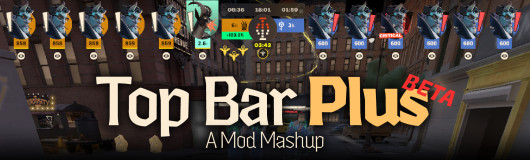
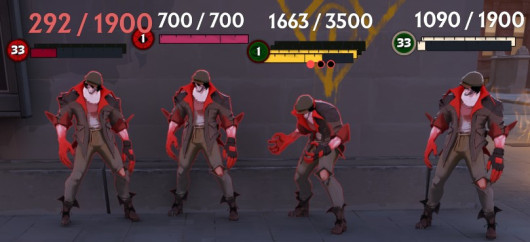
[UPDATED] Top Bar Plus
Удобство · Nurse Harrow
OptiLock FPS Configs (Nurse Harrow Fix!)
Удобство
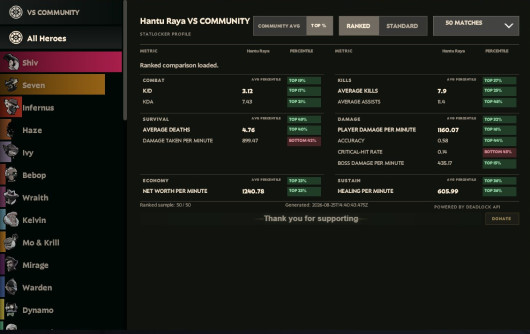
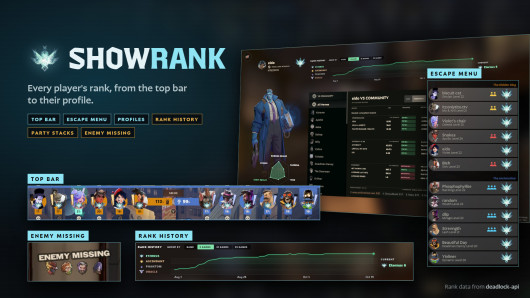
Show Rank / Lane missing warning
Мод — работа автора, файлы и превью лежат на GameBanana, данные каталога — Deadlock Mod Manager. Автор хочет убрать мод отсюда — напиши нам, уберём. Контакты
Скин поменял — теперь ранг
Трекер бесплатно покажет, на каких героях ты теряешь очки. Не хочешь тратить сезон — посчитай буст.