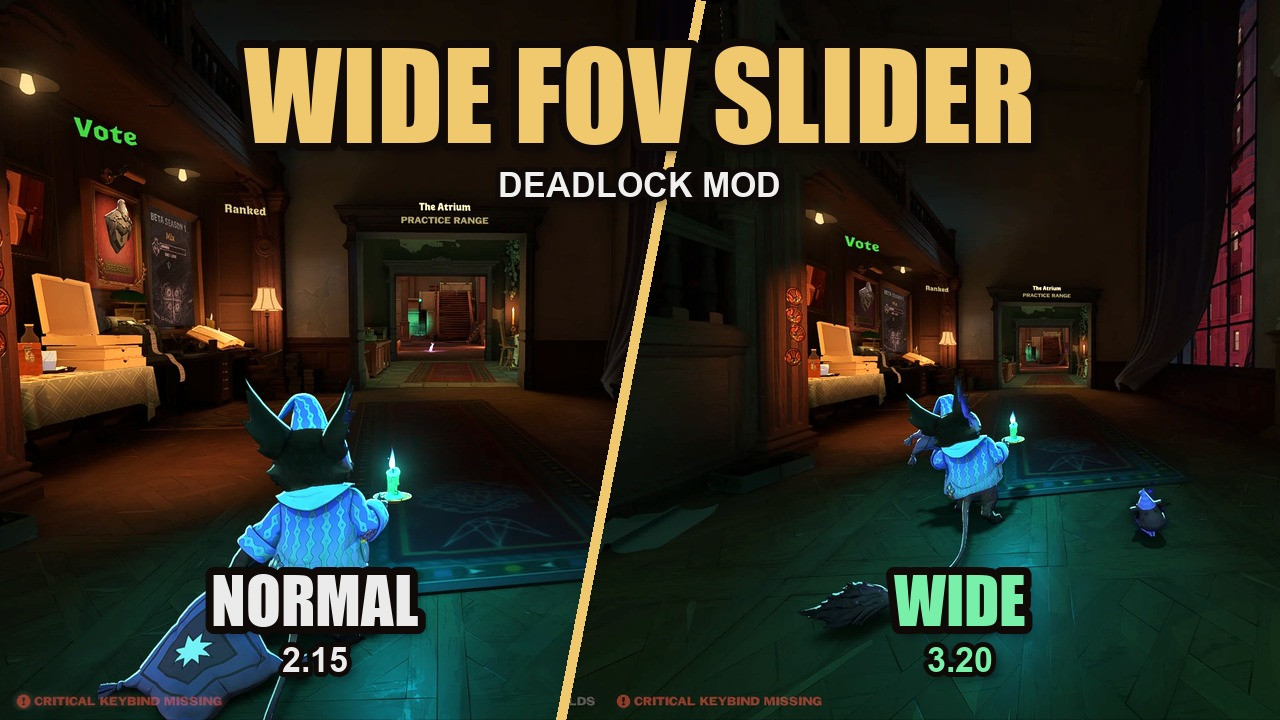
 Screenshot 1 of 7
Quality of life
Wide FOV Slider
Author: Mixboat
- Downloads
- 8,336
- Likes
- 3
- Updated
- October 16, 2026
Install with Mod Manager
GameBanana pageOpens Deadlock Mod Manager: it downloads the file from GameBanana and enables the mod.
No app yet? Download Deadlock Mod Manager
Description
From the author, in the original language.
AI DISCLAIMER: this mod was made with AI assistance
Adds a "Wide FOV (aspect ratio)" slider to Settings / Game / Camera Settings, right under the normal Camera FOV slider, which stops at 90.The new slider controls the game's aspect-ratio setting (r_aspectratio), the same setting performance configs use to widen the view, but you change it live in the menu instead of editing gameinfo.gi.
- Range 0.010 to 3.200 (2.15 = the normal 90 FOV view)
- Your value is saved and re-applied automatically about two seconds after the game starts
- No config file editing needed
v2: patch-resistant
Earlier versions shipped a full copy of the settings menu, so the October 5 patch crashed the game. v2 never replaces the settings menu: it adds one script line each to two tiny layouts Valve has not changed since 2024 (the HUD root and main-menu root) and builds the slider row while the game runs. Settings-menu updates can no longer crash the game.- Two independent hooks: if one stops working after an update, the other still restores your value at launch.
- Backup spot: if a game update removes the Camera FOV row, the slider moves to the top of Camera Settings, or to the first settings list it can find.
- If that happens, a backup slider also appears on the Escape menu, with a clickable link to this mod's Issues tab. Please report it there so it gets fixed fast.
- No hidden settings window at launch.
The game cannot save r_aspectratio itself, so the mod keeps your value in the browser storage of a tiny page, mixboat.github.io/deadlock-mod-pages (source: github.com/Mixboat/deadlock-mod-pages), loaded in a hidden in-game browser panel. The page stores a few numbers on your PC and sends nothing anywhere. It needs internet at launch; offline, the game simply starts with its normal view. Mod managers may show a notice because the mod uses a browser panel.
Install
Remove any older Wide FOV Slider version first.
Grimoire / Deadlock Mod Manager: install and enable it.
Manual: rename the VPK to an unused pakXX_dir.vpk (e.g. pak50_dir.vpk) and put it in Deadlock\game\citadel\addons\
Notes
- Client side only: it only changes your own camera.
- Conflicts with other mods that replace panorama/layout/base_hud or base_dashboard, including other FOV slider mods.
- If a performance config sets r_aspectratio in gameinfo.gi, your saved slider value is applied after it.
- Updating from an earlier version: set your value once again (it is stored differently now).
Similar mods
Quality of life
QOL Lock [INSTANT SAVE/LOAD UPDATE]
Quality of life
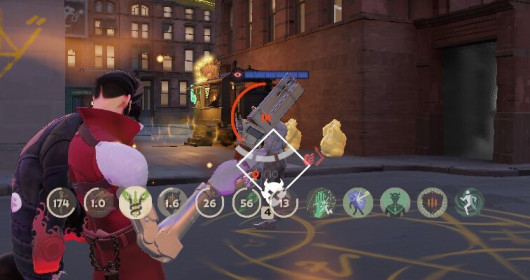
Always Show Passive Items and Actives Icons
Quality of life
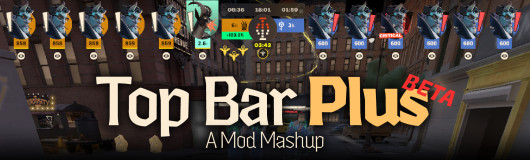
[UPDATED] Top Bar Plus
Quality of life
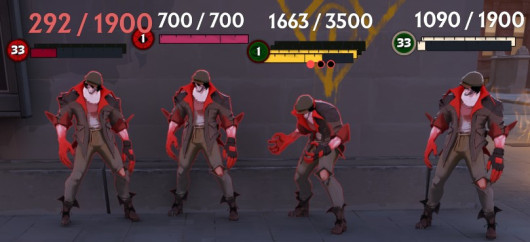
Numeric Health v2 | Now with Single Bar options
Quality of life
dacooderr's QoL Lite (CNS Ready!)
Quality of life · Nurse Harrow
OptiLock FPS Configs (Nurse Harrow Fix!)
Quality of life
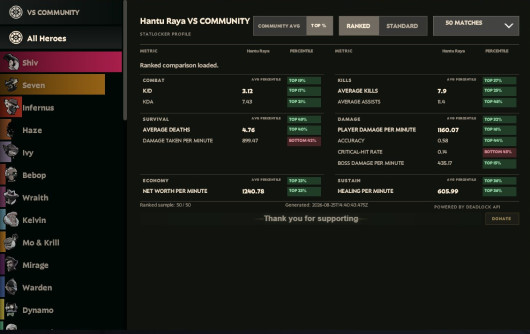
See Ranks, Stats and See Account ID
Quality of life
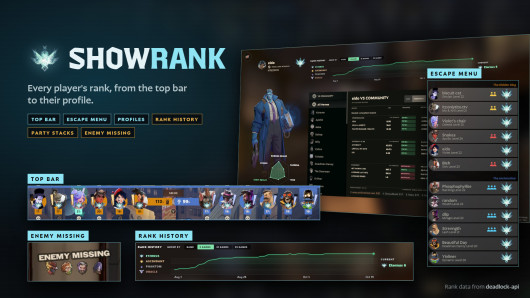
Show Rank / Lane missing warning
The mod is its author's work; files and previews live on GameBanana, catalog data comes from Deadlock Mod Manager. If you are the author and want it removed, message us. Contacts
New skin - now the rank
The free tracker shows which heroes cost you points. Don't want to spend the season grinding? Price a boost.