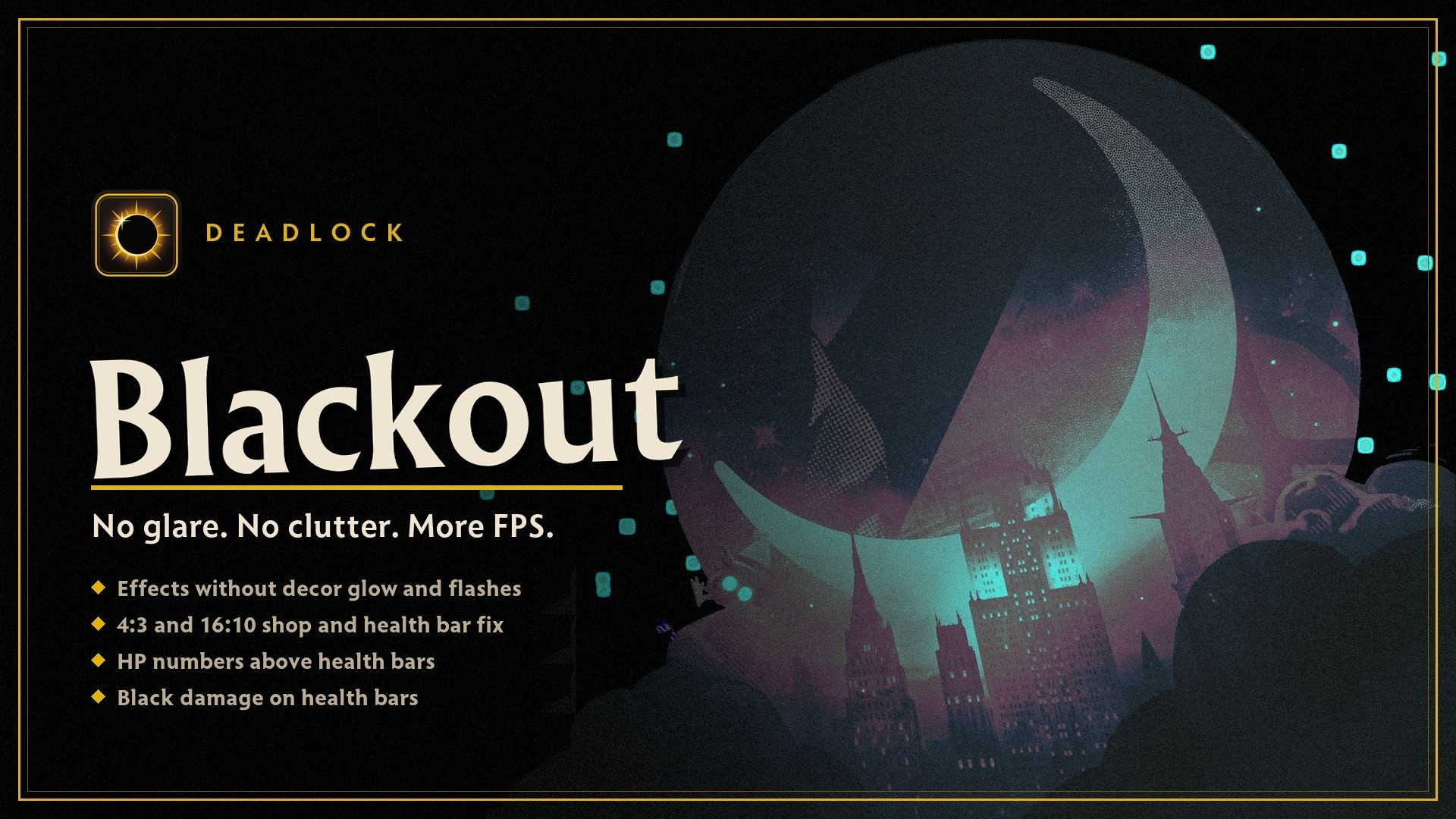
 Screenshot 1 of 7
Quality of life
Blackout: More FPS, No Glare | 4:3 Fix, HP Bars
Author: resurrect
- Downloads
- 5,147
- Likes
- 8
- Updated
- 20 жовтня 2026
Install with Mod Manager
GameBanana pageOpens Deadlock Mod Manager: it downloads the file from GameBanana and enables the mod.
No app yet? Download Deadlock Mod Manager
Description
From the author, in the original language.
Blackout makes Deadlock darker and cleaner and gives you more FPS. I turned off the lamps on the maps, removed the visual junk and wrote an FPS config. Everything that matters in a fight stays: abilities, warnings, dash trails, hero outlines, fog over the pits, veils.
Download "deadlock_blackout_205.zip" with the Download button (not 1-click install), unzip it, close Deadlock and run DeadlockBlackout.exe. Pick what you want and click Install. Then play with the "Deadlock (Blackout)" shortcut on your desktop.
If Windows warns you: More info > Run anyway. The "Warning" tag on GameBanana only means the zip has an exe in it. The file is scanned and marked Clean, the source code is in the files below.
2) Mod Manager
Install "blackout_maps_effects" and any of the small ones you want: 4:3 fix, health bars, black damage. They all work together.
The config is not a Mod Manager mod. You put it in by hand: replace gameinfo.gi in the game folder, the instructions are in the config zip.
If something breaks or doesn't look right, feel free to let me know in the comments.
Blackout делает Deadlock темнее и чище и даёт больше FPS. Я выключил лампы на картах, убрал визуальный мусор и сделал FPS-конфиг. Всё, что важно в драке, остаётся: способности, предупреждения, шлейфы рывков, обводка героев, туман над ямами, вуали.
Скачай "deadlock_blackout_205.zip" кнопкой Download (не 1-click install), распакуй, закрой Deadlock и запусти DeadlockBlackout.exe. Выбери, что нужно, и нажми «Установить». Дальше играй через ярлык «Deadlock (Blackout)» на рабочем столе.
Если Windows ругается: «Подробнее» > «Выполнить в любом случае». Метка «Warning» на GameBanana значит только, что в архиве есть exe. Файл проверен (Clean), исходники лежат в файлах ниже.
2) Mod Manager
Поставь "blackout_maps_effects" и, если надо, мелкие: фикс 4:3, полоски здоровья, чёрный урон. Все работают вместе.
Конфиг — не мод для Mod Manager. Он ставится вручную: замени gameinfo.gi в папке игры, инструкция лежит в архиве с конфигом.
Если что-то сломалось или выглядит не так, ты можешь написать об этом здесь в комментариях.
What's inside
- Maps: lamps and street lights are off, so no glare, no light spots on walls and no flickering light on heroes
- Effects: no glowing decor, muzzle flashes, screen flashes, blood, sky funnels, chimney smoke, puddle shine
- Config: no shadows, fog, haze, bloom and post-processing
- 4:3 / 3:2 / 16:10 fix: Quick Buy no longer covers the shop tabs, your health bar sits next to the stats. 16:9 is not touched
- HP numbers above every health bar, no shaking when hit (optional)
- Black damage on health bars: heroes, troopers, neutrals, bosses (optional)
Two ways to install
1) The program (recommended)Download "deadlock_blackout_205.zip" with the Download button (not 1-click install), unzip it, close Deadlock and run DeadlockBlackout.exe. Pick what you want and click Install. Then play with the "Deadlock (Blackout)" shortcut on your desktop.
If Windows warns you: More info > Run anyway. The "Warning" tag on GameBanana only means the zip has an exe in it. The file is scanned and marked Clean, the source code is in the files below.
2) Mod Manager
Install "blackout_maps_effects" and any of the small ones you want: 4:3 fix, health bars, black damage. They all work together.
The config is not a Mod Manager mod. You put it in by hand: replace gameinfo.gi in the game folder, the instructions are in the config zip.
Why the program is better
- After a Deadlock update the Mod Manager files can have some bugs or small breakages, and to fix them you have to wait until I upload the new version. The program checks the game every time you start it with the shortcut and rebuilds the mod for the new version by itself.
- It writes the config for you and puts it back when an update or Mod Manager resets gameinfo.gi.
- It removes light flashes from your Mod Manager skins. A mod file can't do that, it has to edit the skin files.
- You switch options in the window instead of juggling files, and Uninstall puts everything back the way it was.
- It updates itself when a new version is out.
If something breaks or doesn't look right, feel free to let me know in the comments.
Blackout делает Deadlock темнее и чище и даёт больше FPS. Я выключил лампы на картах, убрал визуальный мусор и сделал FPS-конфиг. Всё, что важно в драке, остаётся: способности, предупреждения, шлейфы рывков, обводка героев, туман над ямами, вуали.
Что внутри
- Карты: лампы и фонари выключены, нет засветов, пятен света на стенах и моргания света на героях
- Эффекты: без свечения декора, вспышек выстрелов, экранных вспышек, крови, воронок в небе, дыма из труб, блеска луж
- Конфиг: без теней, тумана, дымки, свечения и постобработки
- Фикс 4:3 / 3:2 / 16:10: «Быстрая покупка» не закрывает вкладки лавки, полоска здоровья стоит рядом с характеристиками. 16:9 не трогается
- Цифры здоровья над всеми полосками, полоска не трясётся от урона (по желанию)
- Чёрный урон на полосках здоровья: герои, крипы, нейтралы, боссы (по желанию)
Два способа поставить
1) Программа (лучше)Скачай "deadlock_blackout_205.zip" кнопкой Download (не 1-click install), распакуй, закрой Deadlock и запусти DeadlockBlackout.exe. Выбери, что нужно, и нажми «Установить». Дальше играй через ярлык «Deadlock (Blackout)» на рабочем столе.
Если Windows ругается: «Подробнее» > «Выполнить в любом случае». Метка «Warning» на GameBanana значит только, что в архиве есть exe. Файл проверен (Clean), исходники лежат в файлах ниже.
2) Mod Manager
Поставь "blackout_maps_effects" и, если надо, мелкие: фикс 4:3, полоски здоровья, чёрный урон. Все работают вместе.
Конфиг — не мод для Mod Manager. Он ставится вручную: замени gameinfo.gi в папке игры, инструкция лежит в архиве с конфигом.
Почему лучше программа
- После обновы Deadlock в файлах для Mod Manager могут быть баги или небольшие поломки, и чтобы их убрать, придётся ждать, пока я залью новую версию. Программа при каждом запуске через ярлык проверяет игру и сама пересобирает мод под новую версию.
- Сама вписывает конфиг и возвращает его, когда обнова или Mod Manager сбрасывают gameinfo.gi.
- Убирает вспышки света у твоих скинов из Mod Manager. Файлом мода так не сделать, нужно править файлы самих скинов.
- Опции включаются галками в окне, а не перекладыванием файлов. Кнопка «Удалить» возвращает всё как было.
- Сама обновляется, когда выходит новая версия.
Если что-то сломалось или выглядит не так, ты можешь написать об этом здесь в комментариях.
Similar mods
Quality of life
QOL Lock [INSTANT SAVE/LOAD UPDATE]
Quality of life
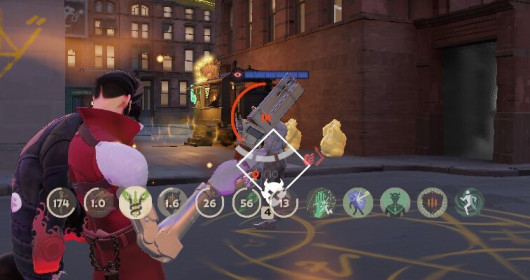
Always Show Passive Items and Actives Icons
Quality of life
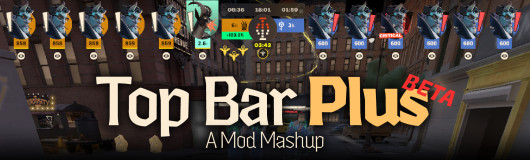
[UPDATED] Top Bar Plus
Quality of life
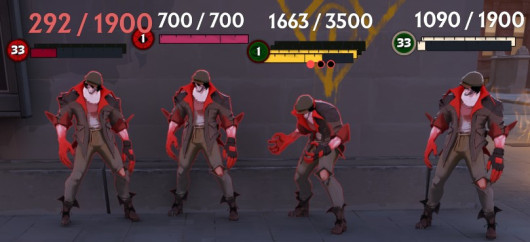
Numeric Health v2 | Now with Single Bar options
Quality of life
dacooderr's QoL Lite (CNS Ready!)
Quality of life · Nurse Harrow
OptiLock FPS Configs (Nurse Harrow Fix!)
Quality of life
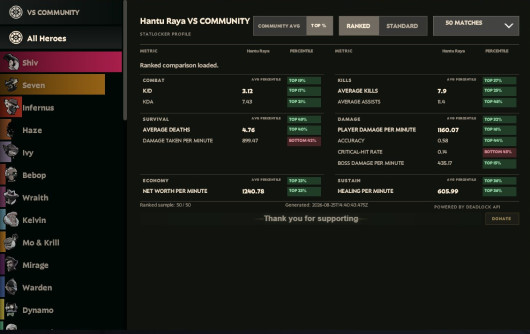
See Ranks, Stats and See Account ID
Quality of life
Show Rank / Lane missing warning
The mod is its author's work; files and previews live on GameBanana, catalog data comes from Deadlock Mod Manager. If you are the author and want it removed, message us. Contacts
New skin - now the rank
The free tracker shows which heroes cost you points. Don't want to spend the season grinding? Price a boost.