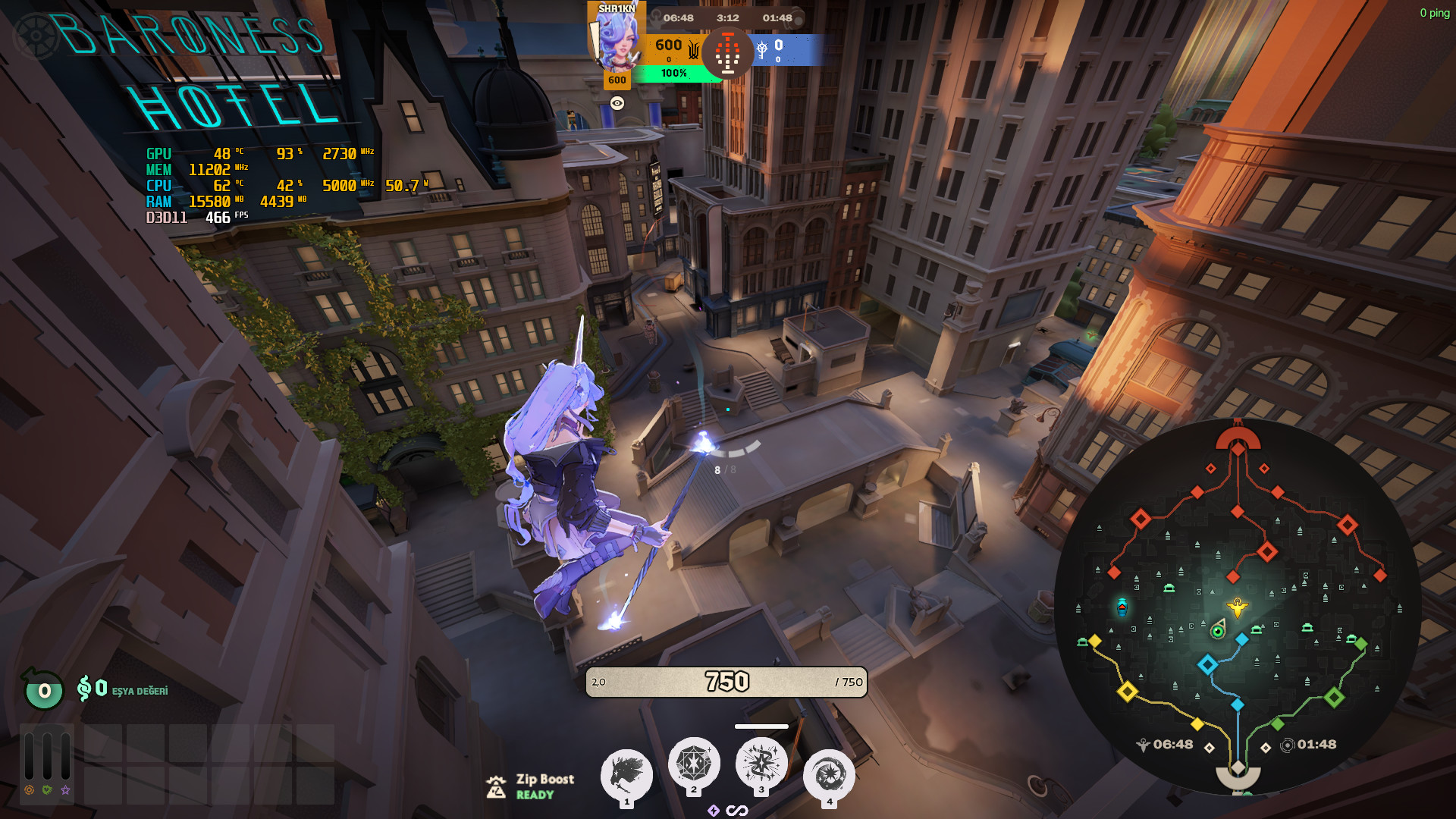
 Screenshot 1 of 3
Quality of life
Deadlock Competitive Config
Author: SHR1KN
- Downloads
- 10,903
- Likes
- 3
- Updated
- 31 травня 2026
Install with Mod Manager
GameBanana pageOpens Deadlock Mod Manager: it downloads the file from GameBanana and enables the mod.
No app yet? Download Deadlock Mod Manager
Description
From the author, in the original language.
Deadlock Competitive Config
Optimized for: Min. Input Lag | Max. Stable FPS on Deadlock.
? What's Included
FileLocation
gameinfo.giSteam\steamapps\common\Deadlock\game\citadel\gameinfo.gi
cfg/video.txtSteam\steamapps\common\Deadlock\game\citadel\cfg\video.txt
addons/pak99_dir.vpkYellow enemy outline mod → Steam\steamapps\common\Deadlock\game\citadel\addons\
⚙️ Setup
1. Download all files
2. Back up your original gameinfo.gi and video.txt
3. Replace gameinfo.gi and video.txt with the downloaded versions
4. Place pak99_dir.vpk inside the addons folder (create the folder if it doesn't exist)
5. Edit video.txt — fill in the lines marked with [CHANGE] to match your system:
SettingValue
VendorIDNVIDIA = 4318 · AMD = 4098 · Intel = 32902
DeviceIDCopy from your original video.txt
setting.mem_level4–8GB RAM = 1 · 12–16GB = 2 · 24GB+ = 3
setting.gpu_mem_level2–4GB VRAM = 1 · 6–8GB = 2 · 12GB+ = 3
setting.defaultresYour monitor width (e.g. 1920)
setting.defaultresheightYour monitor height (e.g. 1080)
setting.recommendedheightSame as defaultresheight
setting.refreshrate_numeratorYour monitor Hz (e.g. 144, 240, 360)
setting.r_citadel_upscalingNo upscaling = 0 · FSR2 = 2 · DLSS = 4
setting.r_citadel_dlss_settings_modeDLSS Off = 0 · DLSS On = 1
setting.r_dlss_presetCNN = 0 · Transformer = 10
? DLSS Preset: RTX 4000 & 5000 series → use Transformer (10) · All other GPU cards → use CNN (0)
⚠️ DeviceID is unique to your GPU model. Open your original video.txt before replacing it and copy the value exactly. Do NOT leave it as ????.
? How to find your original video.txt: Steam\steamapps\common\Deadlock\game\citadel\cfg\video.txt
6. Set gameinfo.gi and video.txt to Read-only to prevent the game from overwriting them → Right-click → Properties → check Read-only → Apply
7. ⚠️ Do NOT change in-game graphics settings after applying — it will overwrite your video.txt
10) · All other GPU cards → use CNN (0)????.Steam\steamapps\common\Deadlock\game\citadel\cfg\video.txt? Notes
- ? After a Deadlock update, check if
gameinfo.gi was reset — if so, replace it again - ? The yellow outline mod (
pak99_dir.vpk) is optional — remove it from addons if you prefer default outlines
gameinfo.gi was reset — if so, replace it againpak99_dir.vpk) is optional — remove it from addons if you prefer default outlinesSimilar mods
Quality of life
QOL Lock [INSTANT SAVE/LOAD UPDATE]
Quality of life
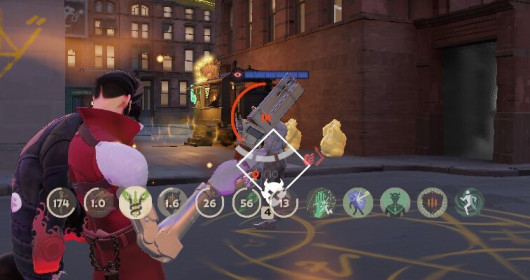
Always Show Passive Items and Actives Icons
Quality of life
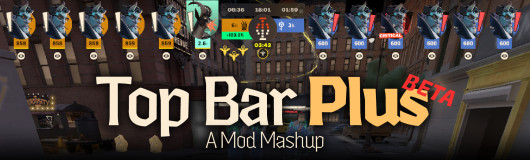
[UPDATED] Top Bar Plus
Quality of life
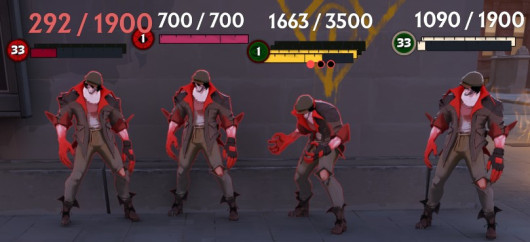
Numeric Health v2 | Now with Single Bar options
Quality of life
dacooderr's QoL Lite (CNS Ready!)
Quality of life · Nurse Harrow
OptiLock FPS Configs (Nurse Harrow Fix!)
Quality of life
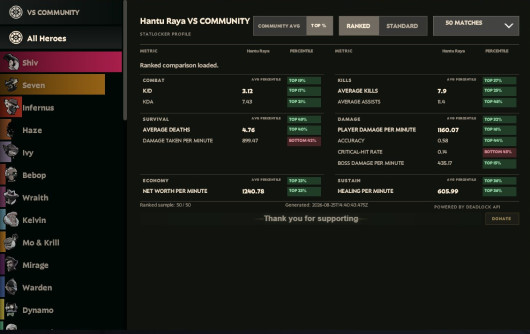
See Ranks, Stats and See Account ID
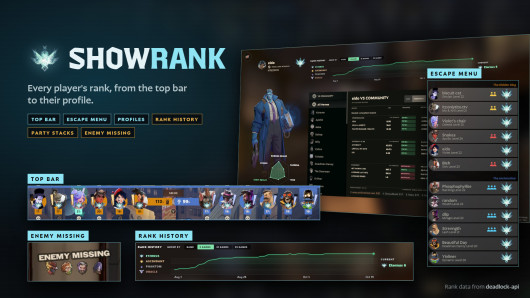
Quality of life
Show Rank / Lane missing warning
The mod is its author's work; files and previews live on GameBanana, catalog data comes from Deadlock Mod Manager. If you are the author and want it removed, message us. Contacts
New skin - now the rank
The free tracker shows which heroes cost you points. Don't want to spend the season grinding? Price a boost.